4.2.6 Output Settings
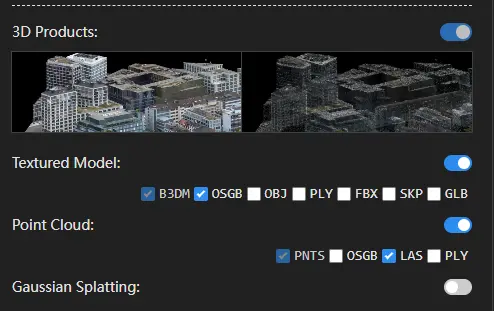
In the task parameters panel on the left, under 3D Outputs, select the desired reconstruction results and corresponding output formats.
Click the icon on the right side of Output Coordinate System to open the coordinate system settings interface.

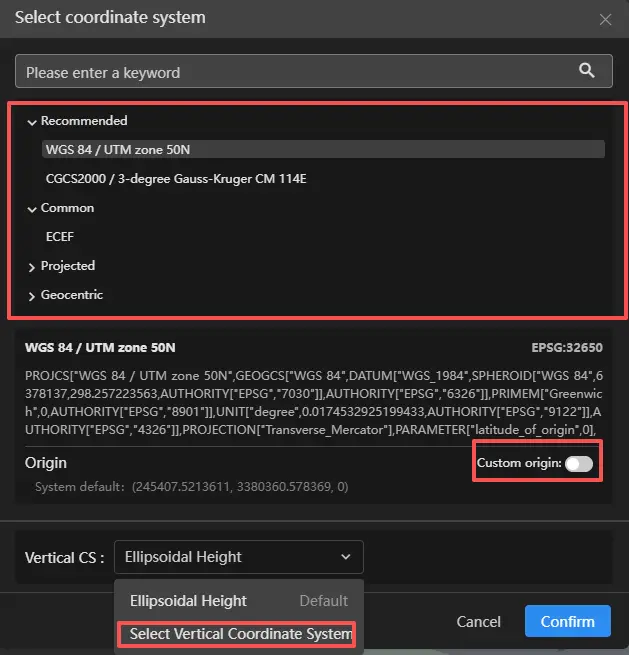
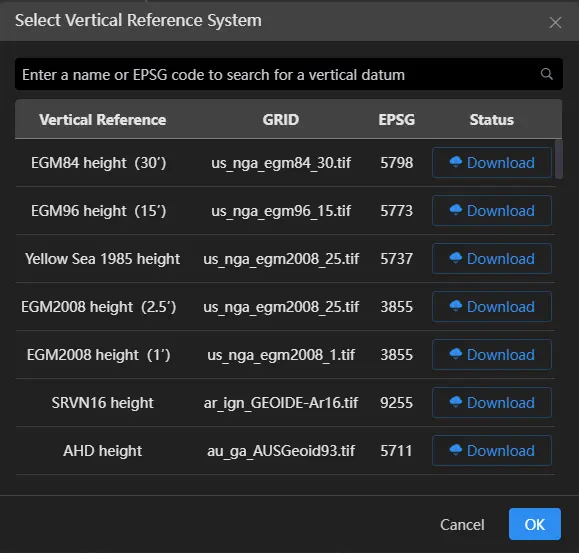
You can configure the horizontal coordinate system and vertical (elevation) coordinate system. You may also enable a custom origin if needed. After completing the settings, click Confirm.
After all configurations are complete, click Start Reconstruction to begin the task.
